Google Play
Download Block Guard: Spam Call Blocker
Block Guard is the Android app this site is about. The free install includes the blocklist, pattern, unknown-caller, spoofing, and SMS layers. Adaptive AI call risk scoring is an optional Premium feature managed through Google Play.
Android only. Requires call permissions to screen calls and SMS permission for text filtering.
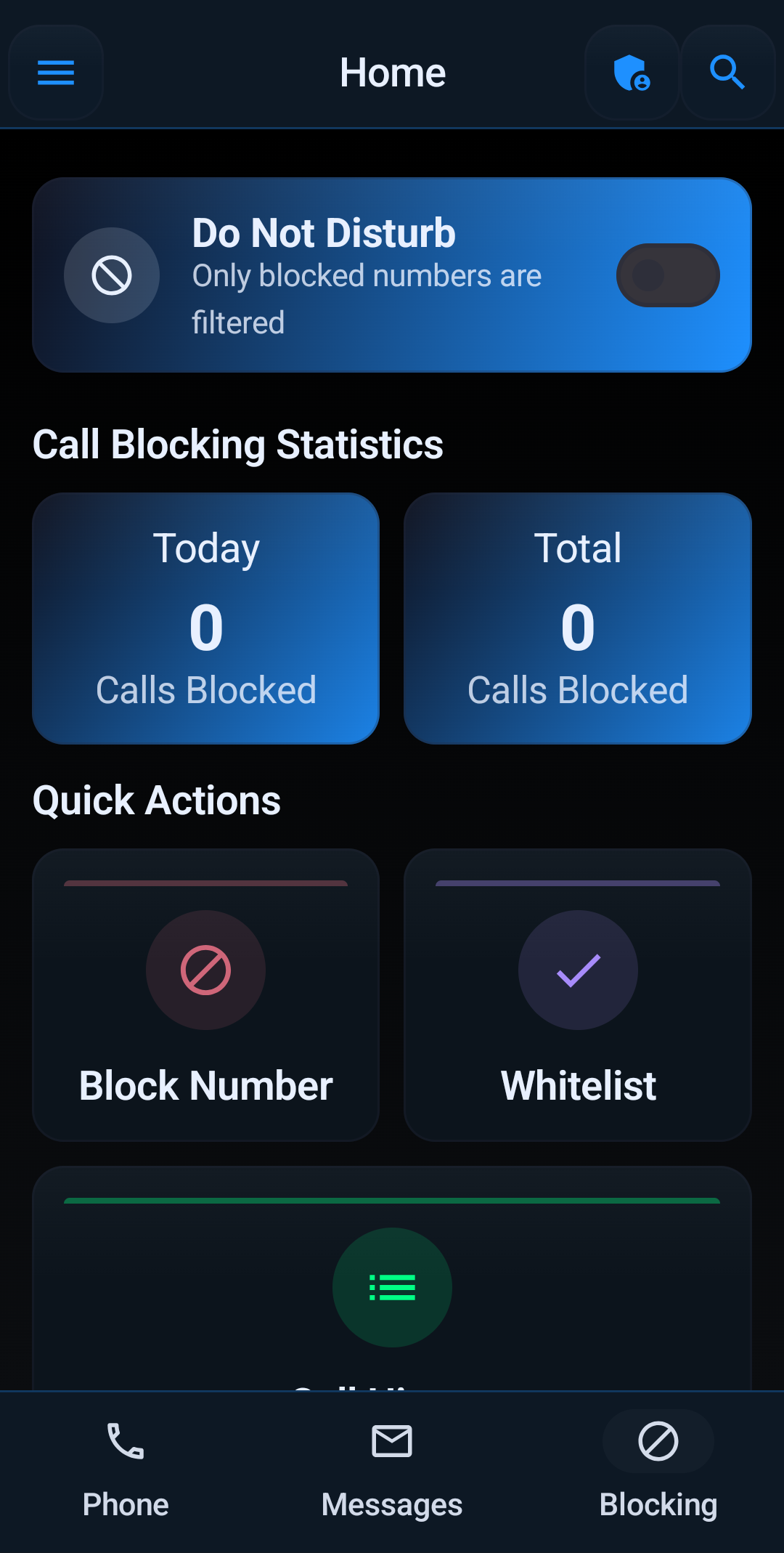
What Is in the Box
Every layer described on this site, with a log that shows which one handled each call.
- Blocklist and number-pattern rules
- Area code and prefix rules
- Unknown and private-number handling
- Spoofed-call controls
- Trusted contacts and whitelists
- SMS and MMS spam filtering
- Profiles, schedules, and Block Guard Mode
- Blocked-call log with reasons
First Ten Minutes After Install
- Finish the first-run prompts and grant the call permissions. Add SMS permission if you want text filtering.
- Add trusted contacts. Family, work, school, and medical numbers go in before anything is blocked.
- Turn on the hard rules you are already sure about: private numbers, international calls, spoofing controls.
- If you use Premium, enable AI risk scoring and set risky calls to voicemail.
- Come back to the blocked-call log in two days and adjust from what you see.
Not sure what a risk score is? Start with how AI spam call blocking works.
More on AI Spam Call Blocking
Go deeper on how AI-assisted detection works, where it fits with rules you control, and how to keep the right calls ringing.
How to Use Block Guard
Set up Block Guard's AI-assisted spam call blocking step by step: permissions, safe list, risk scoring, text filters, profiles, and log review.
Read the guide →How AI Spam Call Blocking Works
A plain-language look at the signals an AI spam call blocker weighs and why a risk score beats a static list.
Read the guide →AI vs. Blocklist Call Blocking
Where blocklists, carrier filters, and AI-assisted scoring each win, and why the strongest setup uses all three.
Read the guide →AI Call Screening on Android
How AI-assisted screening decides what happens to an unknown caller: ring, silence, voicemail, or reject.
Read the guide →AI Spam Text Blocker
Extending AI-assisted spam protection to SMS and MMS: fake deliveries, smishing links, and repeat senders.
Read the guide →AI Spoofed Call Detection
Why spoofed local-looking numbers fool blocklists and how pattern rules plus risk scoring catch them.
Read the guide →